
LOG 004 // 04 OCT 2026
Shadows, glow and style in Quaso
The first part of this work got light around walls. Then I put palm trees on an island and moved the sun toward the horizon. The ground darkened behind the trunks, but the trees did not throw the long shadows I wanted. My light solver lives on a flat plane. The palms have height.
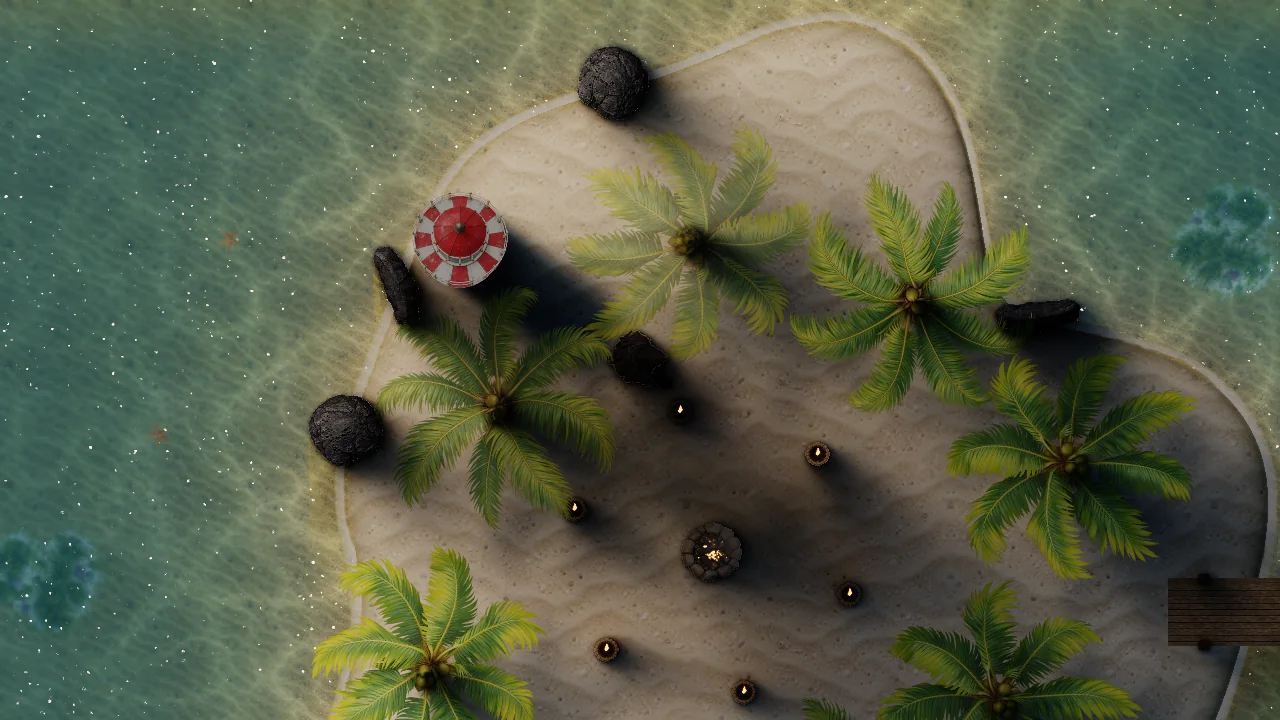
Give the flat world some height
I added a second shadow mask for things that stand above the ground. A tree draws a copy of its shape into that mask, shifted away from the sun according to its height. At dawn and dusk the shift grows, so the shadow stretches across the sand. Trunks and people draw several copies at different heights so the shadow stays connected to the base. Each caster also chooses its own softness. Leaves can cast a soft shape while a pole stays sharp.
The construction is simple enough to try in another 2D renderer. Draw the ground as usual. For each tall object, take its silhouette and move it opposite the sun by its height times a shadow-length value. Put those moved shapes in a separate texture. Alongside coverage, keep a blur size for each caster. When shading the ground, sample the texture over an area chosen by that blur size. A palm crown gets a broad, soft edge. A narrow post gets a tighter one.
There was a trap here. The main light solver already blocks sunlight behind opaque objects. If I simply multiplied the new shadow on top, some places became nearly black twice over. The height shadow now removes the part of the sun and sky that it covers, while leaving local lamps alone. A torch under a tree can still light the ground.
The other trap sat directly under the caster. The lowest copy would shadow the top of its own object. An eraser cuts that part out of the mask. It feels like a tiny detail, but it is the difference between a tree that belongs in the scene and one that looks pasted onto it.
Let bright things feel bright
The island at night needed bloom, the soft halo around bright pixels. I build a chain of smaller images, blur them, then bring them back together. The first reduction uses a Karis average, so one hot pixel does not turn into a flashing blob. The downsample filter follows Jorge Jimenez's work on post processing. I mix the blur back by moving a share of the original image's light into the halo, rather than simply adding more brightness.
Each smaller image carries the glow over a larger area of the screen. When I combine them on the way back up, the small levels give a tight halo and the large levels give a wide haze. A "spread" setting changes which levels get more weight. That is why one chain can make a sharp lantern glow or a soft wash across the pier without changing the source artwork.
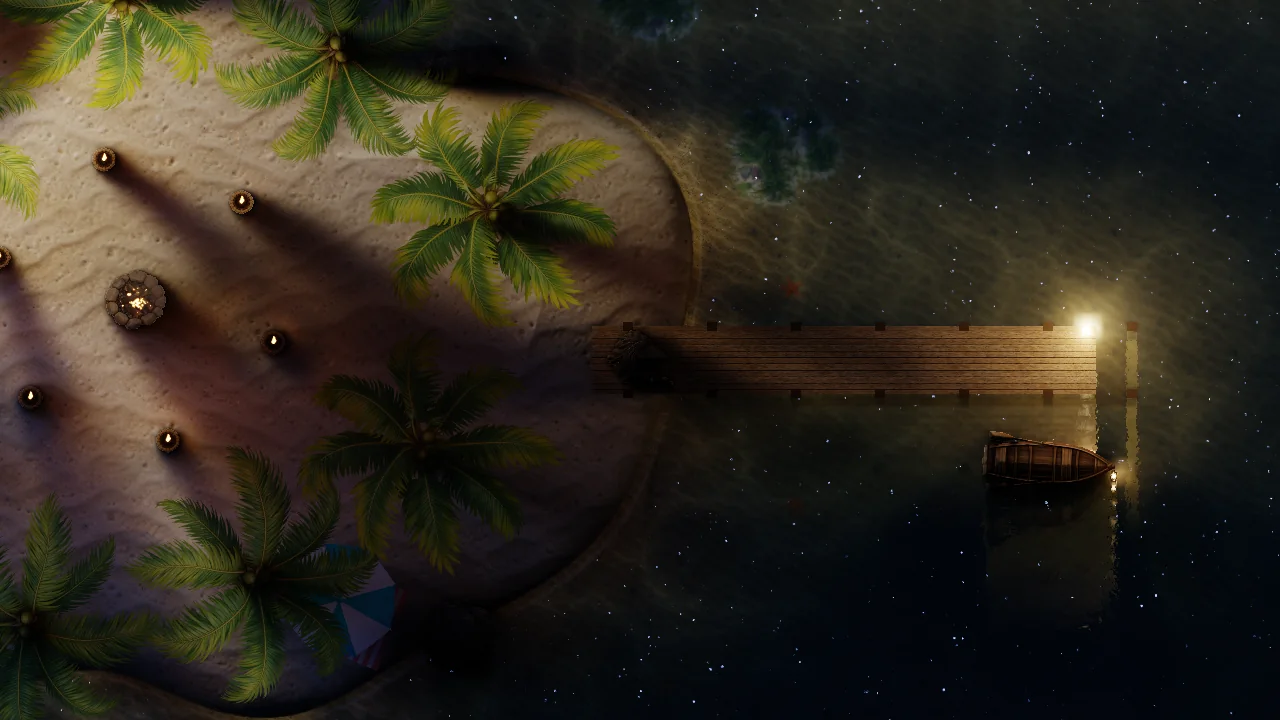
I also wanted darkness to remain dark. Eye adaptation measures the scene's average brightness and eases exposure over time. I cap that exposure so the whole night does not get lifted into grey. There is an optional focus point around the player, useful when the camera stays still but the player walks from a dark grove into a pool of light.
For that average, I write log brightness into a small image and keep reducing it until one pixel remains. Log values stop a few bright lamps from drowning out a large dark scene. I compare the result with the previous frame and move only part of the way toward the new exposure. The gradual change is the eye-adjusting feeling. The cap is what lets night stay night.
One renderer, another look
Once the lighting was stable, I tried a Sakura scene. I wanted the same underlying light to read like anime art: flat light bands, cool shadows, ink edges, and a river that looks drawn rather than photographed. Quaso lets a style supply small shader functions for surface shading, color grading, screen passes and water color. The lights and materials stay the same.
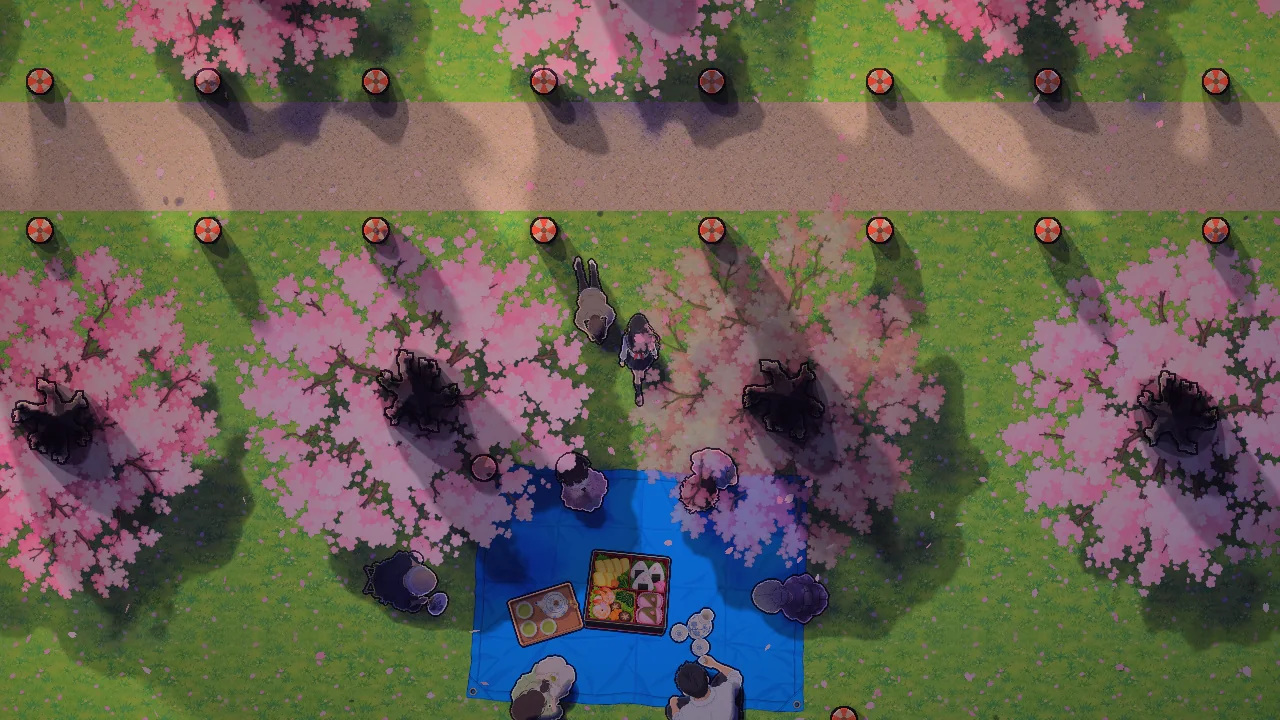
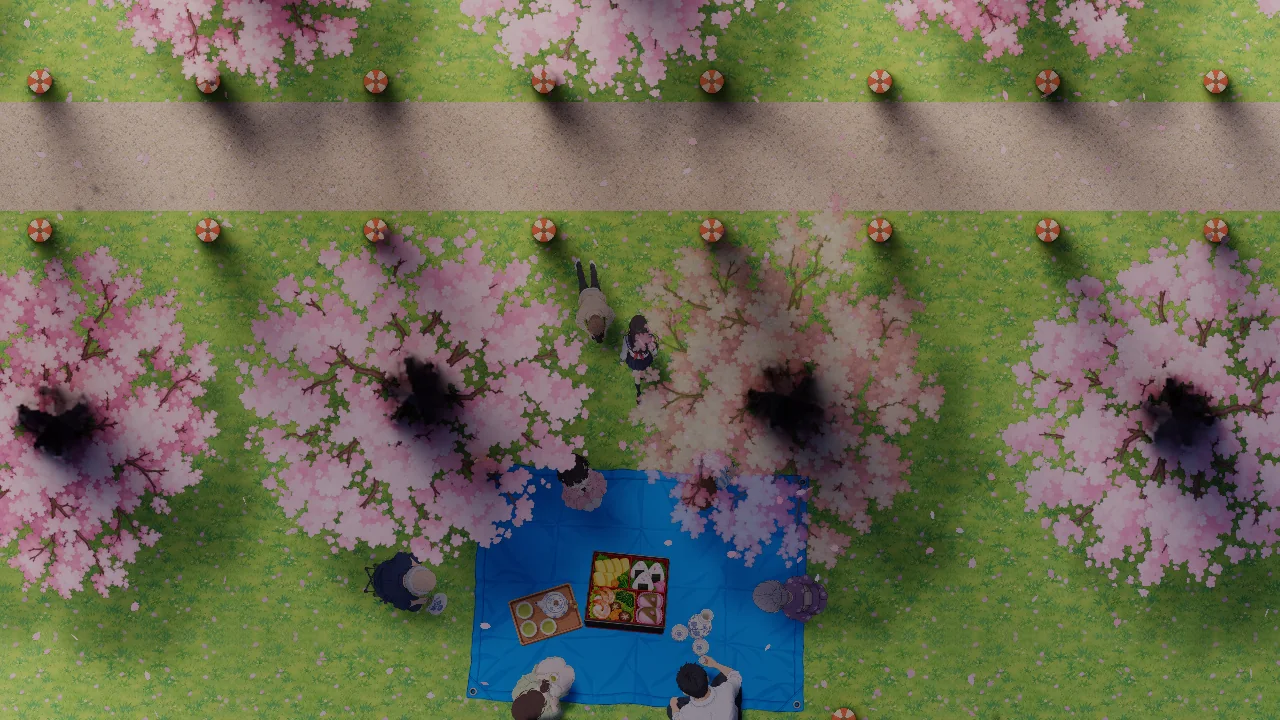
The light bands were the surprising part. If I split brightness into equal linear steps, the rings around a lantern looked wrong as the time of day changed. Splitting in exposure stops, where each step is a doubling of light, made the bands feel consistent from daylight to night. I added a small soft transition so the edges stayed clean without crawling. The ink pass finds the edges of objects that absorb light, draws a dark line outside, and puts a light rim inside.
In shader terms, I take the logarithm of the light level, round it to a few bands, then turn it back into brightness. That makes each jump a change in relative light, like moving one stop on a camera, instead of adding the same amount everywhere. The style runs after the light solver, so the same lantern positions can produce smooth shading in one scene and painted rings in another.
Getting all of that to run fast took a less artistic fix. Each falling petal used to be its own lit draw and its own shadow draw. Batching the petals, fireflies, smoke and sparks into particle emitters removed that pile of calls. In the Sakura scene, moving the nearest light probes from every texel to every second texel cut the measured frame time from 11.2 ms to 6.4 ms at 1024 by 576 on an RTX 3060. The shadow under a trunk and the lantern rings became a little softer. That was a trade I was happy to keep.
This is still one renderer. The island and the Sakura picnic just ask it to speak with different accents.