
LOG 006 // 12 OCT 2026
Quaso was lighting in the wrong color space
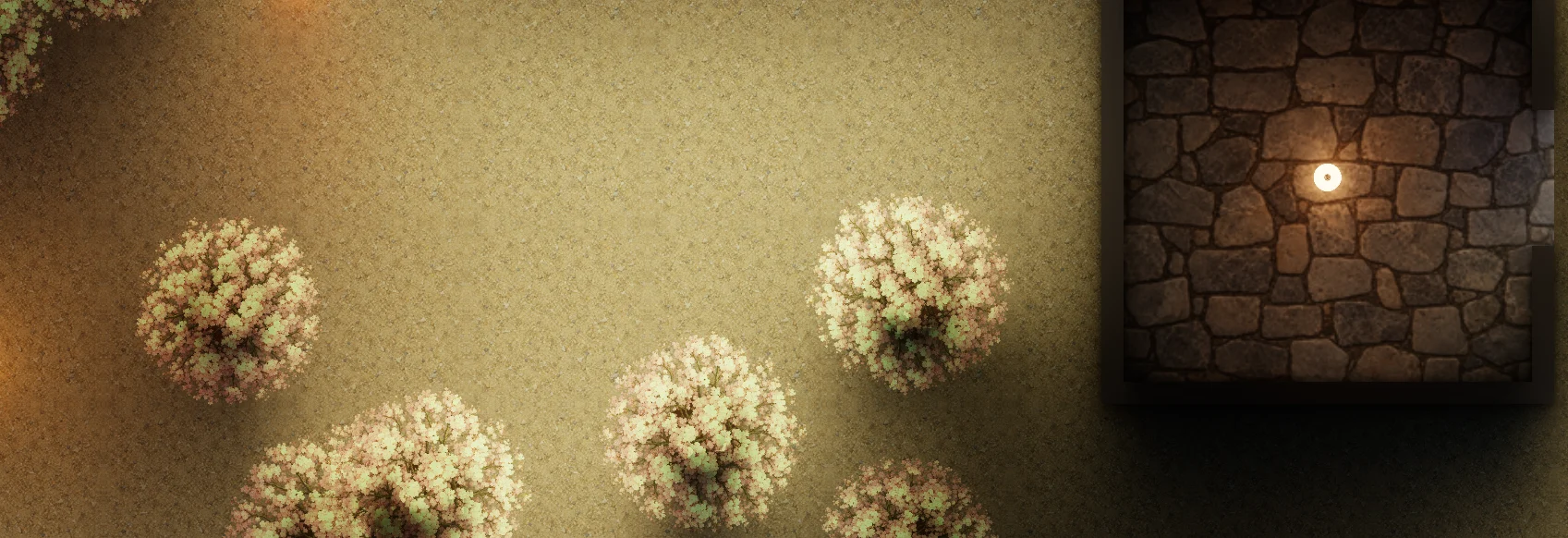
I had a daylight scene full of green trees, but on my phone the foliage looked grey. Shadows under the trees were too dark. At night, the lamps looked reasonable, which made the daylight problem easy to dismiss as a bad color choice. It was not.
The first fix I tried changed the tone curve. It kept the ratio between red, green and blue, so the trees turned green again. Then I looked at a fire. Its bright center stayed orange, as if someone had filled it with paint. I wanted a nearly white center with an orange edge. The new curve had hidden the problem rather than solved it.
The mistake was earlier
The renderer was doing its lighting in sRGB, the color values stored in ordinary images. Those values are shaped for a display and for human eyes. They are not amounts of light you can add or multiply directly. I was also feeding them to the ACES tone curve, which expects linear light, then sending the result to the display without converting it back.
Here is a small way to see the difference. A linear light level of 0.3 should appear around 0.58 after display encoding. Show 0.3 directly instead, and a patch that should be a soft shadow looks much darker. The same mistake made the tone curve push the darker color channels up while squeezing the bright ones down. Green leaves lost their green.
Now Quaso decodes image colors before lighting, runs the tone curve on linear light, and encodes the final color for the screen. A green surface under a strong sun stays green. A very bright fire can approach white at its center while its dimmer glow remains orange. The old ratio curve is gone.
Light colors needed one extra rule. Artists choose a hue in sRGB, but an intensity of 6 should still mean six times as much light. Quaso separates the two: it decodes the hue and keeps the brightest channel as the intensity. For example, a light entered as red 6, green 2.4, blue 0.6 keeps red at 6. Its other channels change to match the decoded hue. A grey light keeps its value too.
The same rule now reaches water colors, material tints and the custom style functions I used for the Sakura scene. Data images such as normal maps are different. Their numbers describe directions or masks, so they stay linear.
A correct pipeline still needs new tuning
The first build after the switch looked wrong in a different way. Old warm lamp values turned red or pink. Exposure and bloom had been tuned around the old, dark pipeline, so daylight got too bright and night lost some of its darkness. I retuned the examples, including the sky, sun, lamps and water. The new streamed world limits how far eye adaptation can lift a night scene.
The colors are still filtered in their stored sRGB form because this renderer does not use sRGB texture formats. That is a small inaccuracy around blends and edges. Web output also remains ordinary display color, not HDR. And the height shadows can still take away some sky light after the main light pass has already blocked the sun. The color fix made those shadows easier to see, but it did not finish that problem.
This was a useful reminder from Quaso: if the whole day looks washed out, the answer may be in the numbers before the first lamp is drawn.